.png)

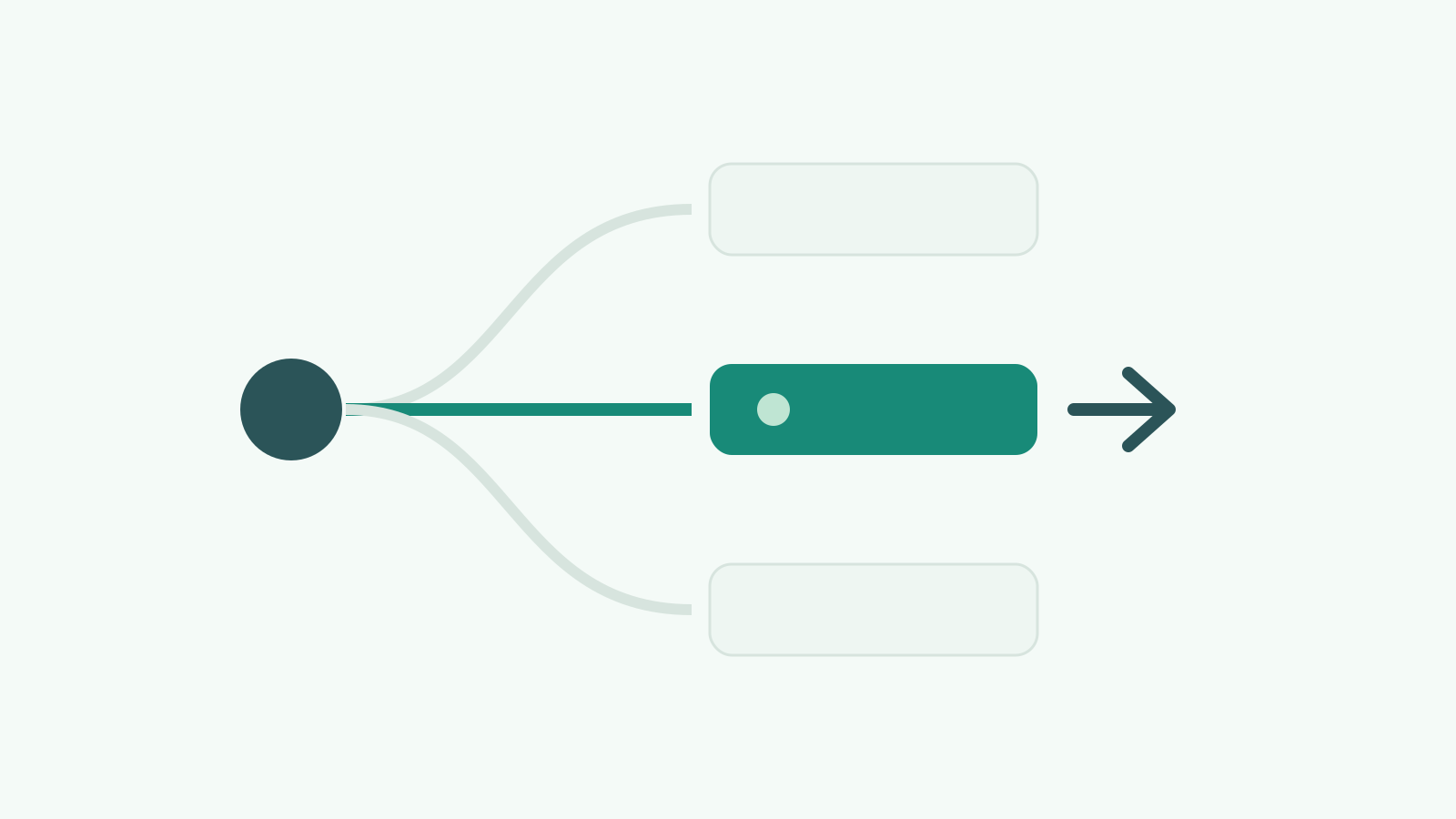
Most B2B SaaS teams treat lead routing like a logistics problem. Someone fills in a form, the system assigns them to a rep based on territory, company size, or worse, round-robin. The lead gets worked. Or it does not. Either way, the routing logic never asked the most important question: is this person actually ready to buy?
That is the fundamental problem with how lead routing works at most companies. The assignment happens based on static attributes (geography, company size, named accounts) rather than dynamic signals (engagement velocity, intent indicators, buying committee composition). The result is predictable: high-intent leads sit in queues while reps chase cold accounts that happen to be in their territory.
This guide covers how to rebuild lead routing from first principles. Not a Zapier workflow or a HubSpot hack, but an actual architecture that routes leads based on buyer context.
The standard approaches all share the same flaw: they route based on who the lead is, not what the lead is doing.
Round-robin distributes evenly but ignores context entirely. A VP of Revenue Operations showing high intent gets the same treatment as a student downloading a whitepaper. Both hit the queue, both get assigned in order. One of them needed a response in under five minutes. The other needed nurturing for six months.
Territory-based routing at least attempts relevance, but it optimises for rep coverage, not buyer readiness. It assumes the right rep is the one who owns that geography or vertical, regardless of whether the lead is showing signals that warrant immediate human attention.
Named account routing is better, but it only works for accounts you have already identified. The problem is that 60-70% of your pipeline will come from accounts you did not predict. Named account routing catches the obvious ones and misses the surprises.
All three models share a deeper architectural issue: they treat routing as a single decision point rather than a continuous evaluation. A lead gets routed once, when it enters the system. But buyer readiness changes over time. A lead that was cold last week might be showing intent signals today. Static routing cannot adapt to that.
Signal-based routing replaces static assignment rules with dynamic evaluation. Instead of asking "which territory does this lead belong to?", it asks "what is this lead doing, and what does that behaviour tell us about their readiness to buy?"
The core principle: route based on what buyers do, not just who they are.
Here is what that looks like in practice:
Before any routing decision is made, the lead gets enriched. Company data, technographics, hiring signals, funding rounds, recent news. This enrichment feeds the routing logic. You cannot route intelligently without context, and most CRMs have almost no context at the point of form submission.
In practice, this means a Clay enrichment step (or equivalent) fires before the HubSpot workflow that handles assignment. The enrichment result populates properties that the routing logic reads from.
Not a traditional lead score based on demographics and form fills. A signal score that evaluates:
Each signal contributes to a routing score. The score determines the routing path.
Not every lead goes to a rep. Signal-based routing has multiple paths:
This is fundamentally different from round-robin because it acknowledges that not every lead deserves the same response speed or the same human attention.
A lead that entered as "low signal" three weeks ago might now be showing acceleration. Signal-based routing does not assign once and forget. It monitors signal changes and can re-route when conditions change. In HubSpot, this means workflows that trigger on property changes (engagement score crossing a threshold, new intent signals detected) rather than just on form submission.
Here is the practical implementation, assuming HubSpot as the CRM and Clay for enrichment:
Over-engineering the routing tree. If your routing logic has more than 8-10 branches, it is too complex. Complexity creates edge cases that nobody maintains. Keep the routing logic simple and invest the complexity in the scoring model instead.
Routing without enrichment. If you route based only on what the lead tells you in a form, you are routing blind. A job title and company name is not enough context. Enrichment before routing is non-negotiable.
Ignoring response time. The best routing architecture in the world means nothing if reps take 4 hours to respond. Signal-based routing should come with SLAs, and those SLAs should be different for different signal strengths. A high-intent lead needs a response in minutes, not hours.
Setting and forgetting. Routing logic needs reviewing monthly. Your ICP evolves, your team changes, your scoring thresholds need recalibrating. Build in a monthly review cadence.
Not measuring what matters. Track speed-to-lead by routing path, conversion rate by signal score band, and pipeline generated per routing path. This data tells you whether your routing is actually working better than round-robin, or just more complex.
Teams that move from static routing to signal-based routing typically see three things happen:
Speed-to-lead improves dramatically for high-intent leads. Instead of sitting in a round-robin queue behind 10 other leads, high-signal leads get immediate attention.
Rep efficiency increases. Reps spend less time on leads that were never going to convert and more time on leads showing genuine buying behaviour.
Conversion rates from MQL to opportunity increase because the lead arrives at the rep with context (enrichment data, signal history) rather than just a name and email.
The compound effect: better conversion rates, faster deal velocity, and happier reps who stop complaining that "marketing sends us rubbish leads."
If you want to see how much faster routing changes the maths, our pipeline velocity calculator shows the impact of a higher win rate and a shorter sales cycle side by side.
For a team already on HubSpot with Clay connected, the core architecture takes 2-3 weeks. The enrichment layer and scoring model take the most time to configure correctly. The routing workflows themselves are straightforward once the scoring logic is solid.
Clay is the fastest path because it handles enrichment and data transformation in one step. You can build similar architectures with other enrichment tools (Apollo, Clearbit, ZoomInfo) but the workflow gets more complex because you need to orchestrate multiple API calls yourself.
First-party signals (page visits, email engagement, form interactions, content downloads) are enough to start. Third-party intent data (G2, Bombora) adds another layer but is not required for the architecture to work. Start with what you have and add intent data sources later.
Signal-based routing can layer on top of territories. The signal determines priority and speed of response; the territory determines which rep. A high-signal lead in EMEA still goes to the EMEA rep, but it arrives flagged as urgent with full context rather than sitting in a generic queue.
At minimum: Routing Score (number), Fit Score (number), Engagement Velocity (number or enum), Last Signal Date (datetime), Routing Path (dropdown), and Assigned Date (datetime for SLA tracking). Plus whatever enrichment properties Clay populates (typically 15-30 company-level fields).

%20(1).jpeg)